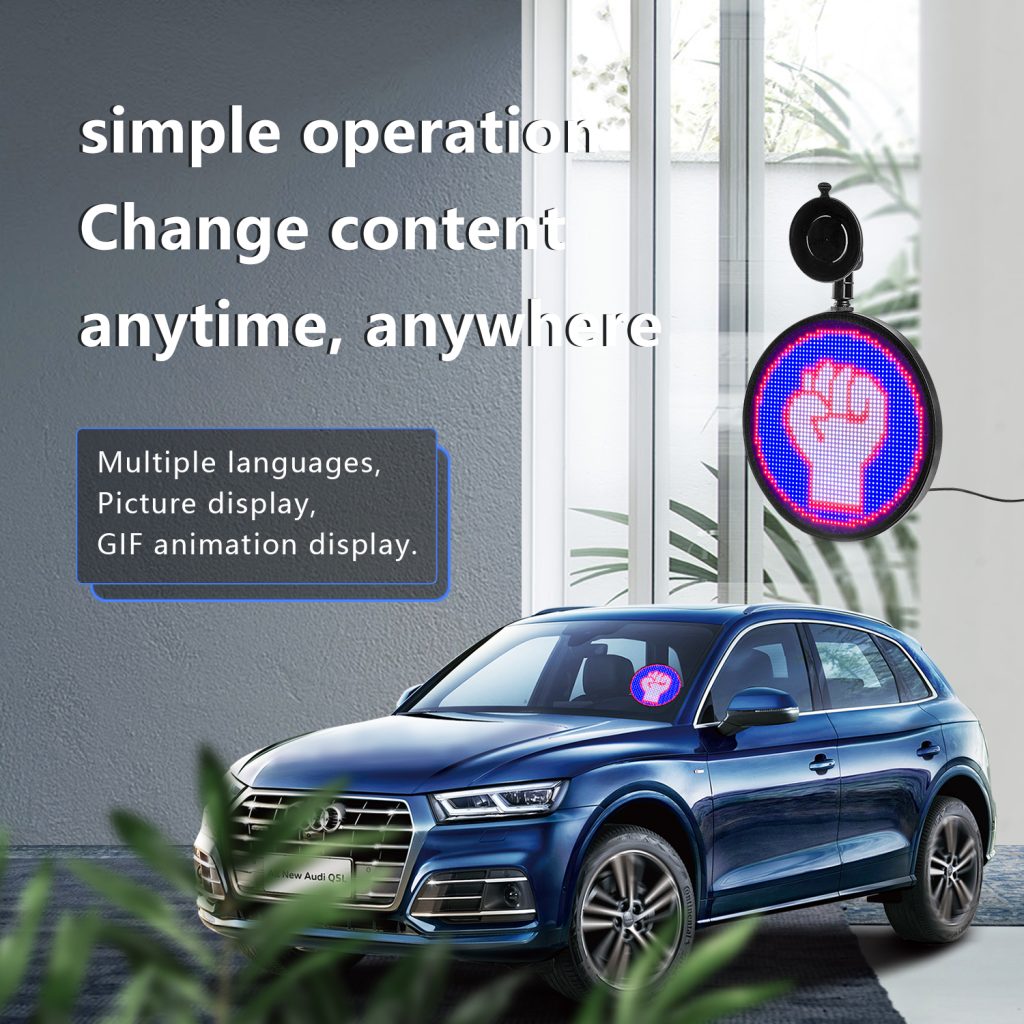
Car LED message displays are used for advertising, warning messages, delivery services, ride-share vehicles, fleet branding, and personal decoration. They are useful because the message can be changed without replacing a printed sign. Still, installation should be handled carefully. A display that is too bright, loose, or placed in the wrong position can become a safety problem.
The first step is choosing the mounting position. Rear windows, side windows, and non-critical glass areas are common options. The display should be visible to people outside the vehicle, but it should not block mirrors, blind spots, rear visibility, or the driver’s direct view. Before fixing the display, sit in the driver’s seat and check the view in daylight and at night.
Brightness should match the environment. A message that looks clear indoors may be difficult to read in sunlight. At night, the same display may be too bright and distracting. If the product supports brightness adjustment, test several levels before daily use. For commercial vehicles, it may be useful to use different brightness settings for daytime and nighttime driving.
Power supply is another important detail. Some car LED displays use USB power, some connect to a car power outlet, and some use a rechargeable battery. Check the required voltage, cable length, connector type, working time, and charging method. Loose cables should be avoided because they can interfere with driving, be pulled by passengers, or become damaged when doors open and close.
Mounting materials should match the vehicle surface and temperature conditions. Suction cups, adhesive strips, brackets, and magnetic parts each have limits. Cars can become very hot in sunlight, so weak adhesive may fail after a period of use. Before long-term installation, clean the mounting surface and test whether the display stays stable during normal driving, turning, braking, and vibration.
Cable routing should be simple and tidy. Cables should not cross pedals, seat rails, airbag areas, or frequently moved parts. If the display is installed on a window or door, check whether opening and closing the door affects the cable. For a fleet installation, the same cable-routing method should be documented so that every vehicle can be installed consistently.
Content should also be designed for quick reading. Long sentences, small text, and fast animation are difficult to read from another vehicle. Short words, clear colors, and simple motion usually work better. If the display is used for safety messages, the message should be direct and easy to understand. Avoid content that could confuse other road users.
Buyers should check local traffic rules before using LED displays on vehicles. Some regions restrict flashing lights, moving signs, colors that look like emergency signals, or screens placed near the driver’s view. If the display is used for paid advertising or commercial operation, additional local regulations may apply. It is better to confirm these requirements before ordering a large quantity.
After installation, test the display in real conditions. Check it during the day, at night, while parked, and after a short drive. Make sure the mounting remains stable, the cable does not move, and the screen does not affect driving visibility. Update content only when the vehicle is parked. A safe installation is one that drivers can use without extra distraction.
For companies using several vehicles, it is better to prepare one standard installation guide. The guide can include display position, cable route, brightness setting, message examples, and maintenance checks. This keeps the fleet consistent and helps new drivers understand how the product should be used.
Before buying in quantity, test at least one sample on the same type of vehicle. A display that fits one car may not fit another window shape or interior layout. The sample test should include mounting, power connection, brightness, app control, and whether the display creates reflection on the glass. These small checks can prevent larger problems after delivery.
It is also worth preparing a few approved message templates. Drivers or staff can then choose from safe, readable messages instead of creating new wording each time. For delivery, taxi, or promotion teams, templates make the display easier to manage and reduce the chance of spelling mistakes or distracting content.
Finally, keep the first installation simple. Avoid hiding cables or fixing parts permanently until the display has been tested for a few days. After the team confirms the position, brightness, and power connection, the installation can be made cleaner and more permanent.
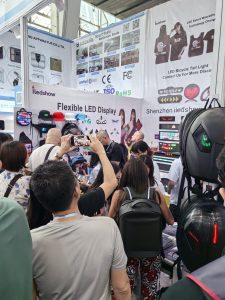
Shenzhen iLedShow Technology Co., Ltd. participated in the 135th Session of the China Import and Export Fair to present creative LED display products to international buyers. The Canton Fair is an important meeting point for manufacturers, tradin...
Flexible LED screens are revolutionizing various industries with their versatility and adaptability. In the consumer electronics sector, they enable sleek, curved, and foldable devices, enhancing user experience with innovative designs. In advert...
Programmable LED display products are used in many forms, including LED backpacks, car message signs, shop displays, wearable items, warning panels, and creative gifts. Buyers often ask similar questions before choosing a model. The answers below...
Outdoor LED display products need to work in brighter light, changing weather, and wider viewing distances than indoor products. A display that looks clear inside a room may become difficult to read outdoors. Before buying, it is worth checking t...
 iledshow