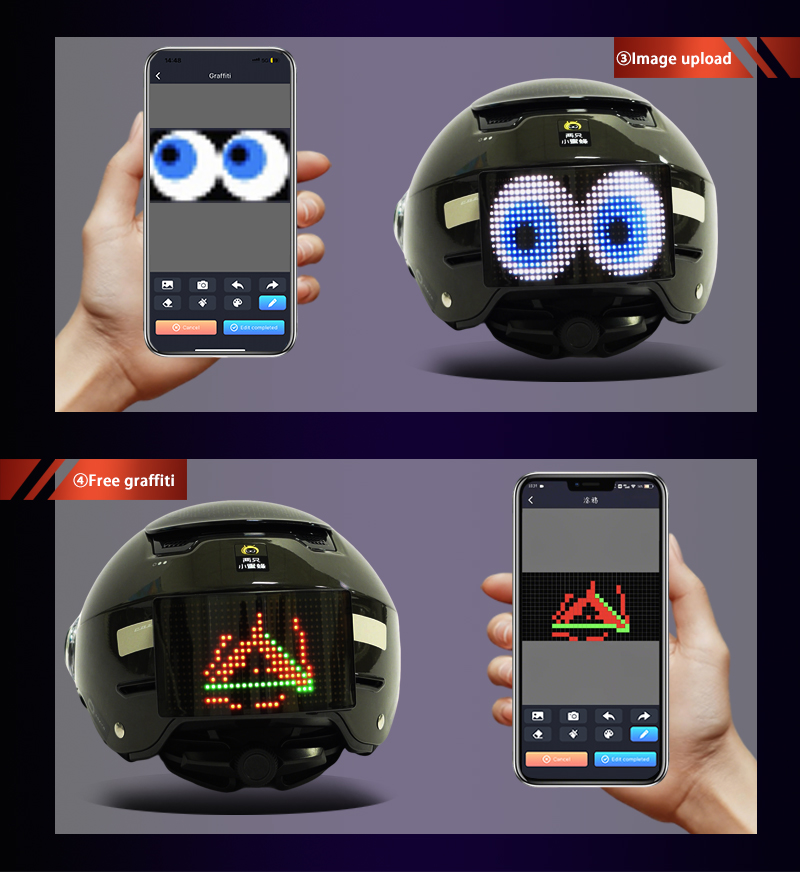
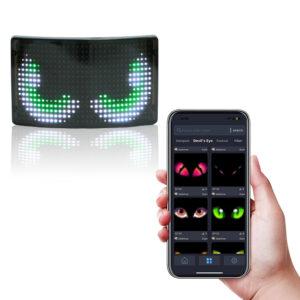
App-controlled LED displays are popular because users can change content from a mobile phone. Iledshow provides the matching app for supported LED display products, so users can type messages, select colors, upload simple images, and choose animation effects without using a computer or replacing printed signs. This makes app-controlled displays useful for LED backpacks, car signs, shop notices, event signs, and custom promotional products.
The first thing to understand is the connection method. Many Iledshow portable LED products use Bluetooth for short-distance control. Bluetooth is convenient because it does not require a separate network during daily use. Depending on the product model, some larger or customized displays may use another control method. Before use, check the product manual or support information to confirm the correct app, connection steps, and recommended phone distance during setup.
App compatibility should be checked early. The Iledshow support team can provide the correct app name or download method for the selected product model. Some products may support Android, iOS, or both, depending on the control board and app version. If the product will be used by customers, store staff, or distributors in different countries, confirm language support and update instructions before delivery.
Content options vary by model. Some app-controlled displays support only text. Others support images, simple animations, patterns, icons, and brightness control. For a company logo, the buyer should test whether the logo looks clear on the actual screen resolution. Detailed artwork may need to be simplified before it works well on an LED matrix.
Brightness and speed settings can affect user experience. Fast scrolling text may look interesting, but it can be hard to read. Very bright colors may look good in photos but may be uncomfortable at night. A useful app should allow users to adjust speed, color, brightness, and display mode. These settings help the same product work in different environments.
For business use, content management is important. A shop may need to update messages every week. An event team may need different messages for different staff members. A fleet may need a consistent message across many vehicles. Buyers should confirm with Iledshow whether the selected app version can save templates, copy content between devices, or manage multiple displays. If a function is not supported by the current model, the team can prepare a simple manual process before the products are used.
Battery and power should also be considered. App control does not remove the need for stable power. If content transfer fails, the problem may be a weak battery, unstable cable, or poor connection. Users should charge the product before long events and avoid updating content while power is low unless the manual allows it.
Privacy and permissions are worth reviewing. The app may request Bluetooth, location, storage, or camera permissions depending on the phone system and product function. Some permissions are required so the phone can find the LED device, upload images, or save display content. For company use, download the app through the method provided by Iledshow and keep the app version consistent across devices when possible.
Before placing a bulk order, test the app with the actual product. Try pairing, uploading text, changing images, adjusting brightness, and reconnecting after the display is turned off. A good app-controlled LED display should be simple enough that users can update content without training. The easier the app is to use, the more likely the display will be used regularly instead of only once.
If the product will be used by customers or store staff, prepare a short operation guide with screenshots from the Iledshow app. The guide should show how to install the app, connect the device, upload content, adjust brightness, and solve common pairing problems. A clear guide can reduce after-sales questions and make the product easier to use in different markets.
For branded campaigns, content approval should happen before the products are shipped. Upload the actual logo, slogan, colors, and animation style to a sample display. Take photos and videos in the real environment if possible. This lets the buyer confirm that the app, resolution, and brightness meet the project requirements.
App stability should be part of the sample test. Turn the display off and on again, reconnect from the phone, and try uploading content more than once. If the product will be used by different staff members, test it on more than one phone model. This gives a more realistic picture of daily operation.
A programmable LED display is a screen that can show content selected by the user. Unlike a fixed printed sign, it can display different text, pictures, symbols, colors, and animation effects. This makes programmable LED products useful for backp...
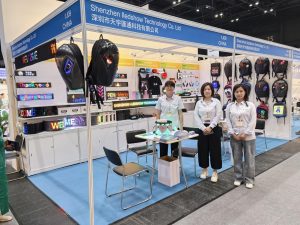
Global Sources Hong Kong Show is an important exhibition for consumer electronics, mobile accessories, smart products, gifts, and creative technology products. Shenzhen iLedShow Technology Co., Ltd. joined the show to introduce portable and custo...
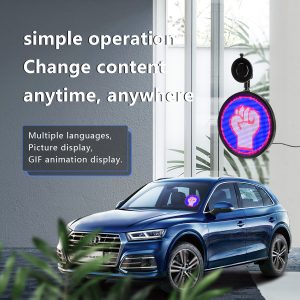
LED displays on vehicles can be useful for advertising, delivery notices, warning messages, ride-share information, and brand promotion. Because the display is used in a moving environment, safety should come before appearance. A vehicle display ...
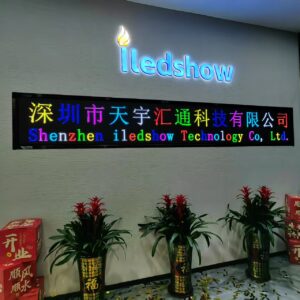
Today is a special day for Iledshow—they are moving into their new home! After months of preparation and hard work, the team is excited to start this fresh chapter in a brand-new space. The new location is brighter, more spacious, and perfectly...
 iledshow