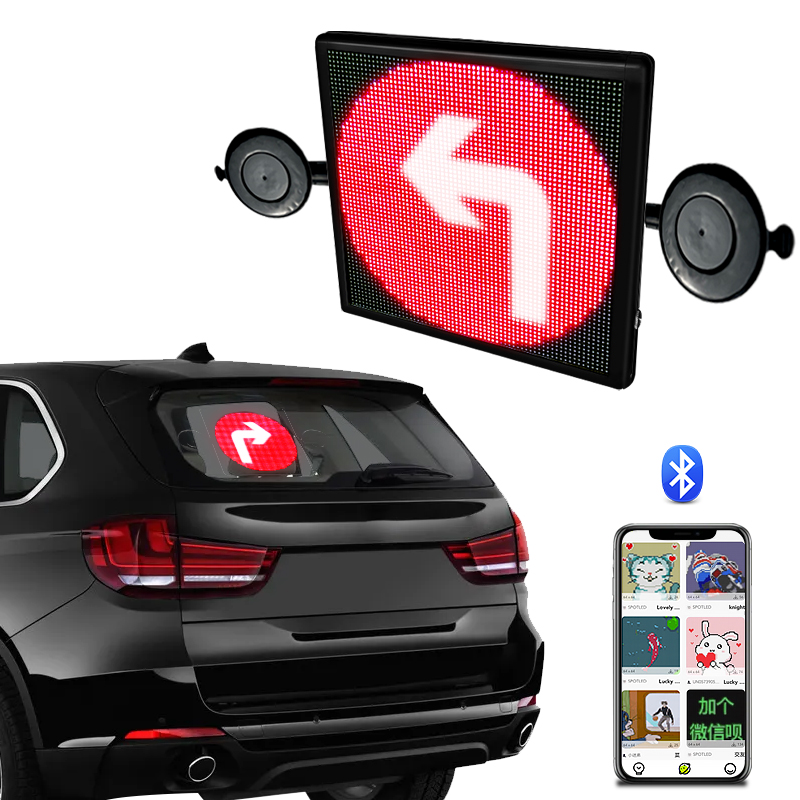
LED displays on vehicles can be useful for advertising, delivery notices, warning messages, ride-share information, and brand promotion. Because the display is used in a moving environment, safety should come before appearance. A vehicle display should be readable, stable, and easy to control without distracting the driver or other road users.
Start with driver visibility. The display should not block mirrors, windows, rear visibility, blind spots, or safety equipment. Before installation, check the view from the driver’s seat. Look through the mirrors and windows during the day and at night. If the display creates glare or blocks an important view, move it to another position.
Brightness should be adjusted for different conditions. A display that is too dim may be useless in daylight. A display that is too bright at night may distract other drivers. If the product has brightness settings, test them in real conditions. For commercial use, write down recommended brightness levels so every driver uses the display consistently.
Motion effects should be simple. Fast flashing, rapid scrolling, or high-contrast animations can attract attention in the wrong way. For vehicle use, short messages and steady movement are usually safer. Avoid content that looks like emergency lights, traffic signals, or official warning signs unless it is legally permitted for that vehicle.
Mounting stability is important because vehicles vibrate, turn, brake, and pass over uneven roads. Use the accessories recommended by Iledshow. Clean the mounting surface before applying suction cups or adhesive parts. After installation, test the display with short drives before using it for regular operation. If the display moves, rattles, or loosens, the mounting method needs improvement.
Cables should be kept away from pedals, steering parts, airbag areas, seat rails, and door gaps. Loose cables can distract the driver or become damaged. If the display connects to a power outlet, make sure the cable does not pull when the driver or passenger moves. For fleet installation, use a standard cable-routing method for every vehicle.
Content updates should happen only when the vehicle is parked. Drivers should not type messages, change animations, or adjust settings while driving. If the product needs frequent content changes, prepare templates before the trip. For commercial teams, one person should be responsible for checking content before vehicles leave.
Local rules must be checked. Some areas restrict flashing signs, certain colors, moving advertisements, bright screens, or displays placed near windows. The rules may be different for private cars, taxis, delivery vehicles, and commercial advertising vehicles. Buyers should confirm local requirements before using the product in public traffic.
Regular inspection keeps the display safe over time. Check mounting parts, cables, screen surface, power connection, and brightness settings. After hot weather or long parking under sunlight, inspect adhesive parts again. If the display shows flickering, overheating, or power problems, stop using it until the cause is found.
A vehicle LED display should support communication without creating risk. Choose a readable position, use moderate brightness, keep messages short, secure all mounting parts, and follow local traffic rules. These steps help the product work as a useful display instead of a distraction.
Businesses should also train drivers or staff before daily use. The training does not need to be complicated. It should explain when to turn the display on, when to update messages, how to check the mount, and what to do if the screen flickers or the cable becomes loose. Simple rules are easier to follow than long manuals.
For fleet use, assign someone to review message content. Incorrect wording, outdated promotions, or overly bright animation can create problems even when the hardware is installed correctly. A short approval process keeps the display useful and reduces the chance of unsafe or misleading messages appearing on the road.
Seasonal checks are useful as well. Heat, cold, rain, and long sunlight exposure can affect adhesive parts, cables, and batteries. If the display is used every day, inspect the mounting and power connection more often during extreme weather or after long trips.
If the vehicle is washed regularly, remove or protect the display according to Iledshow instructions. Water pressure, cleaning chemicals, and repeated wiping can damage parts that are not designed for that treatment.
These small habits make long-term use safer and easier to manage.
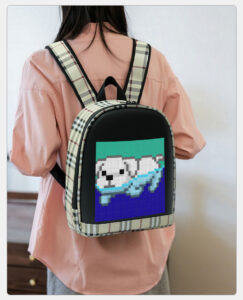
LED backpacks are useful when you want a bag that can do more than carry daily items. The built-in display can show text, images, simple animations, or brand messages, so the same product can be used for commuting, events, outdoor activities, and...
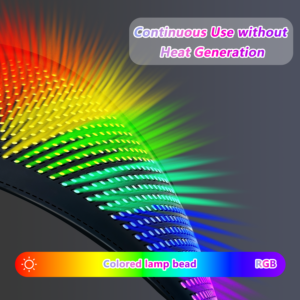
Flexible LED screens are revolutionizing various industries with their versatility and adaptability. In the consumer electronics sector, they enable sleek, curved, and foldable devices, enhancing user experience with innovative designs. In advert...
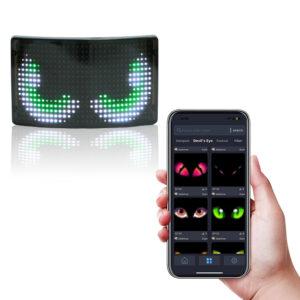
A programmable LED display is a screen that can show content selected by the user. Unlike a fixed printed sign, it can display different text, pictures, symbols, colors, and animation effects. This makes programmable LED products useful for backp...
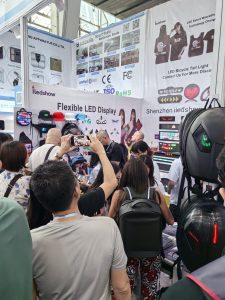
Shenzhen iLedShow Technology Co., Ltd. participated in the 135th Session of the China Import and Export Fair to present creative LED display products to international buyers. The Canton Fair is an important meeting point for manufacturers, tradin...
 iledshow